Stable internet
Connect the device to a reliable home network before installation.
A simple setup for Android TV, Google TV, phones, tablets, TV boxes and Chromebooks.
Start the guide ↓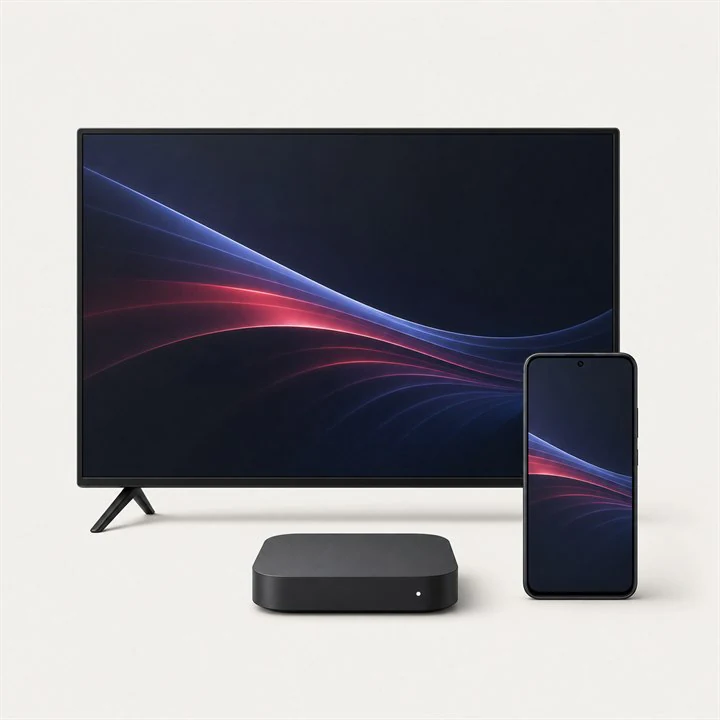
Connect the device to a reliable home network before installation.
Keep the server, username and password from your order ready.
Use the device store or the app publisher's official website.
On Android TV, Google TV, a phone, tablet or Chromebook, open Google Play and confirm that the device is connected to the internet.
Choose one of the supported players shown below. Check the app name and publisher before installing.
Complete the installation, open the app once and allow access to local media only when the app requires it.
Select your player below for the exact login sequence and the same illustrated step-by-step format.
Your profile is connected
Select a player to open its separate step-by-step tutorial for this device.

A television-focused player for supported Fire TV and Android devices.
May require a licenceOpen app tutorial →
A player commonly available for Smart TVs and selected streaming devices.
May require a licenceOpen app tutorial →
A familiar multi-device player that supports Xtream Codes profiles.
Free optionOpen app tutorial →ⓘ Application availability, names and fees can change by country and device. Always confirm the publisher before installing.
Send us your device model and we will guide you through the right method.