Stable internet
Connect the device to a reliable home network before installation.
Add your portal to the Live TV server manager included with compatible BuzzTV boxes.
Start the guide ↓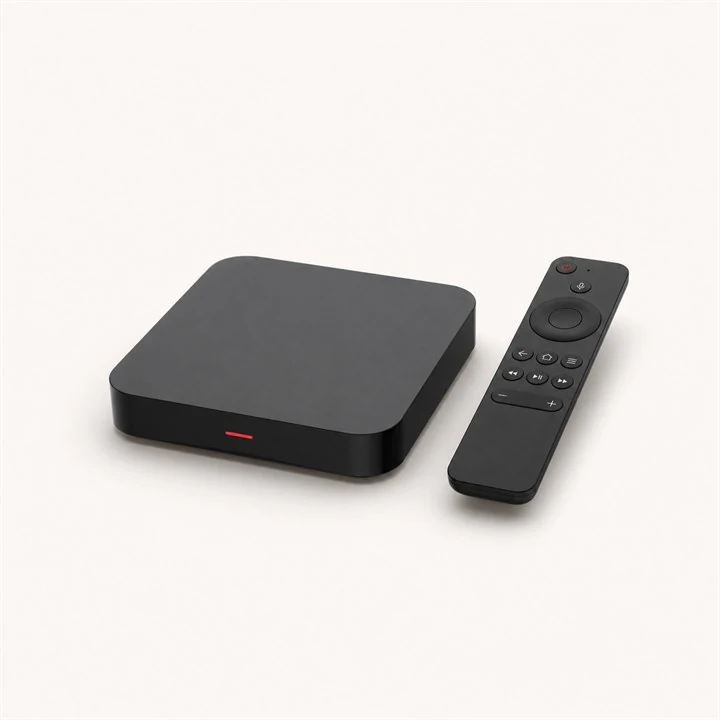

Connect the device to a reliable home network before installation.
Keep the server, username and password from your order ready.
Use the device store or the app publisher's official website.
Open Live TV and choose Server, MAC Server or Server Settings, depending on your software version.
SETTINGS● ● ●Create a server named “IPTV Israel Store” and enter the portal address sent by our team.
PORTAL SETTINGS● ● ●Send the MAC address displayed by the box to support so the device can be authorised.
DEVICE INFORMATION● ● ●Save, connect and wait while live channels and programme information are downloaded.
SYNCHRONISING● ● ●Send us your device model and we will guide you through the right method.