Stable internet
Connect the device to a reliable home network before installation.
Use a compatible Roku channel when available, or cast from a phone connected to the same Wi-Fi network.
Start the guide ↓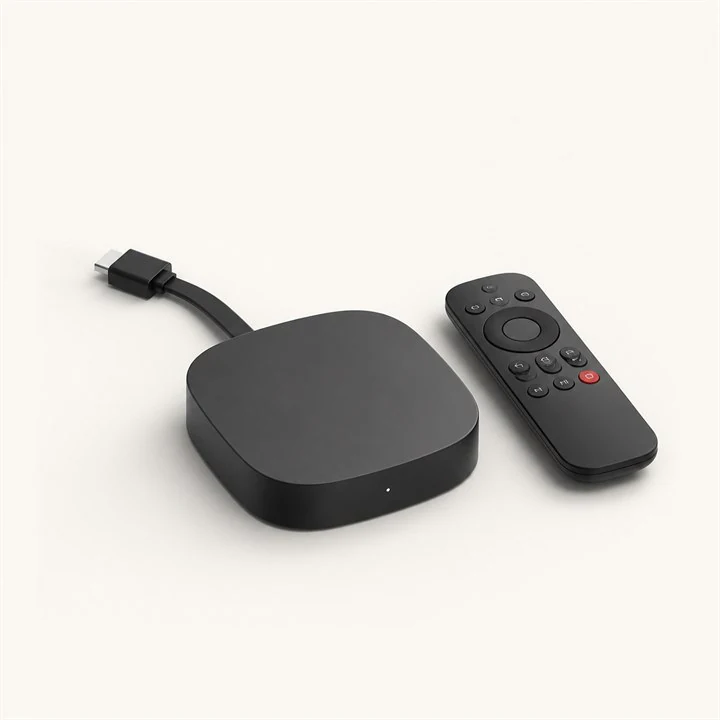

Connect the device to a reliable home network before installation.
Keep the server, username and password from your order ready.
Use the device store or the app publisher's official website.
Search the official Roku store for a compatible IPTV player. Available applications vary by country and can change.
APP STORE● ● ●Compatible IPTV PlayerOfficial publisherGETIf the player uses a web portal, note the displayed device ID or key and add your playlist through the publisher's official portal.
DEVICE INFORMATION● ● ●Connect the phone and Roku to the same Wi-Fi, open a casting-compatible player and select the Roku device.
CAST TO A DEVICE● ● ●Available on this Wi-Fi network
Confirm playback on the television. If the device is not detected, restart both devices and verify the Wi-Fi connection.
IPTV ISRAEL STORE● ● ●Your profile is connected
Send us your device model and we will guide you through the right method.